In HR for Dynamics, you can access many Dashboards which give you comprehensive overviews of the data in the system.
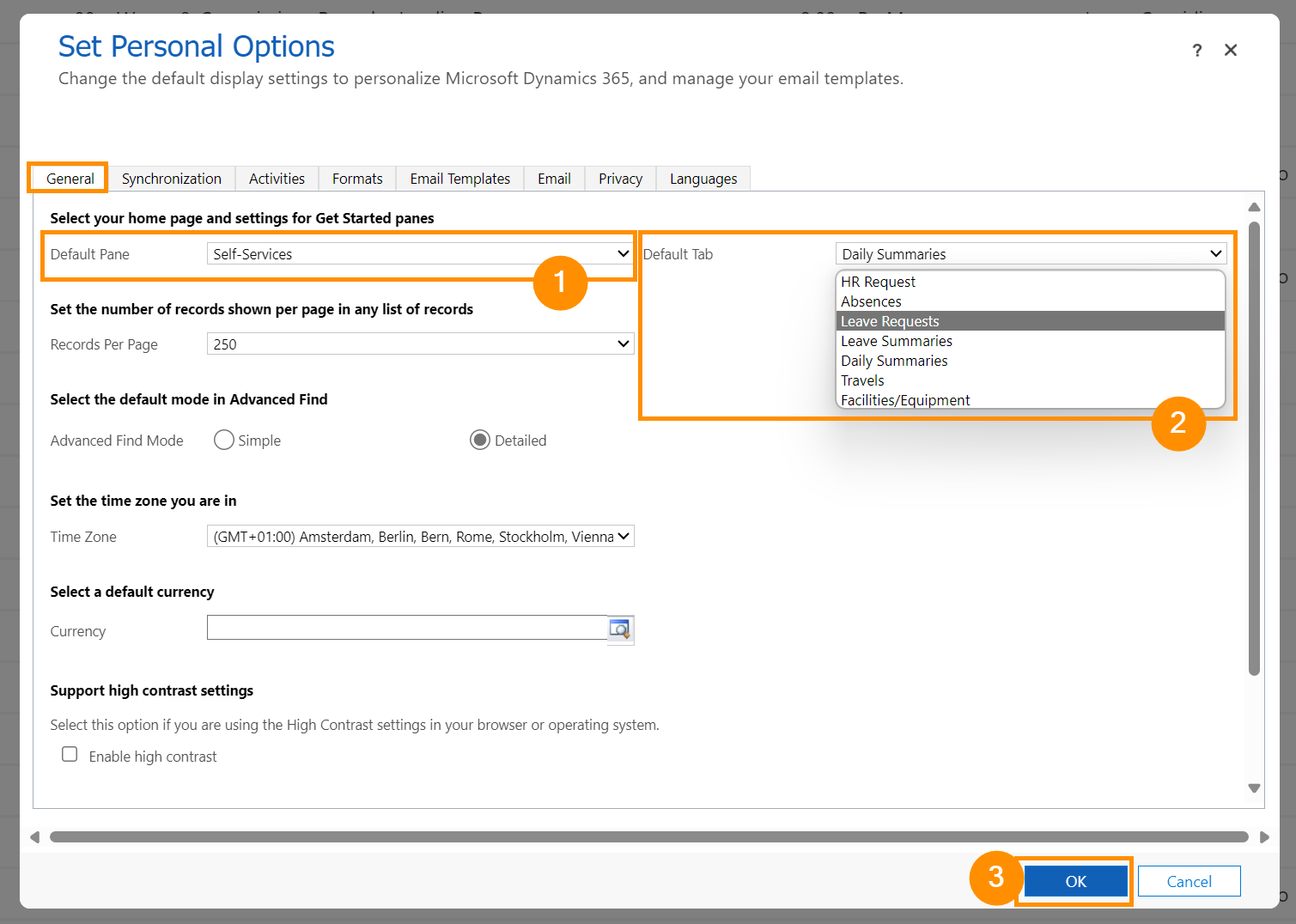
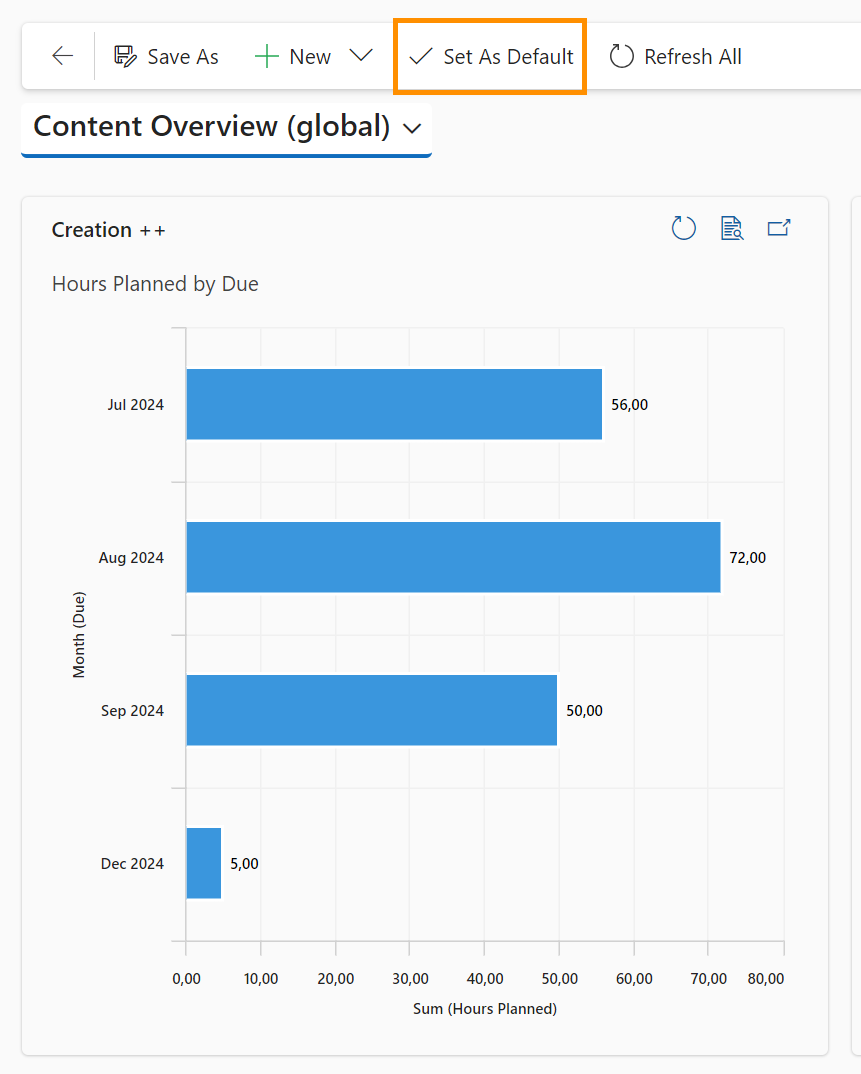
If there are certain Dashboards you work with all the time, there are a few ways you can set them to quick access. Two ways are described in this tutorial: Setting a Dashboard as personal preference, and setting a Dashboard as default.
A 'personal preference' Dashboard will be the first Dashboard to open whenever you go to 'Home' in the left side navigation menu.
A 'default' Dashboard will be the first Dashboard to open whenever you open ANY Dashboard view. Of course, you can still navigate to all the other Dashboards via the view drop-down.
This tutorial shows you how to do both, so you can streamline your work effectiveness by always having quick access to your favorite Dashboards.