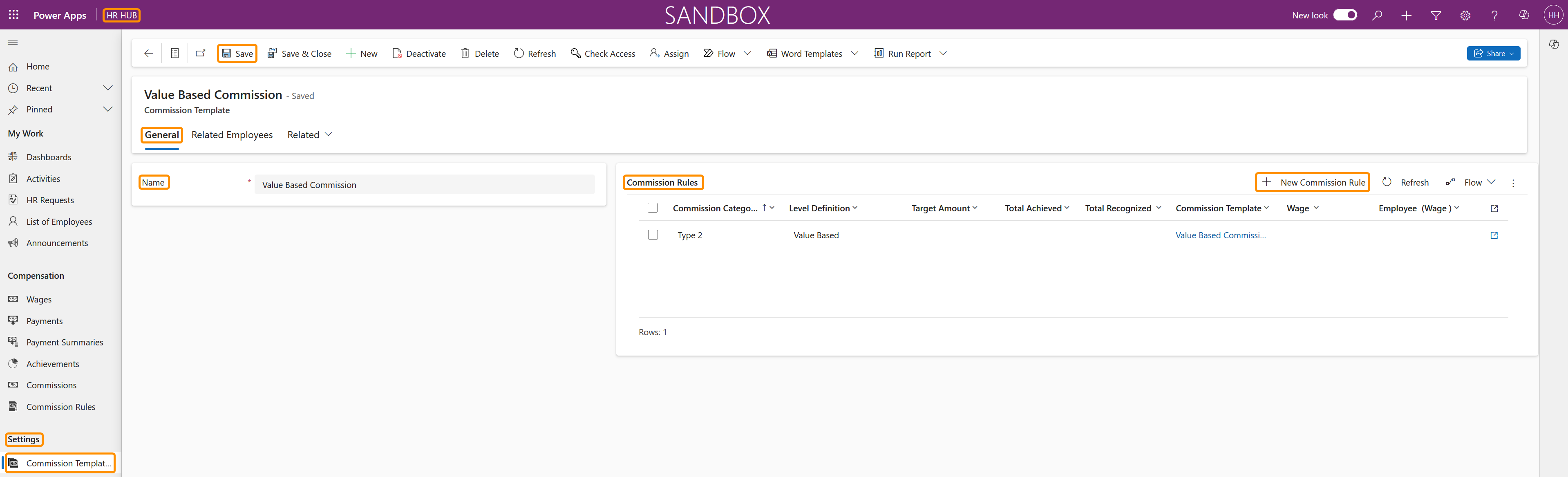
This tutorial demonstrates how to create Commission Templates that can be assigned to an employee, using a 'Commission' Wage Type record. Commission Rules are applied to a Commission Template, then, to an employee Wage using the 'Commission' Wage Type. The system will calculate the exact amount that an employee is entitled to, based on a sales Achievement.
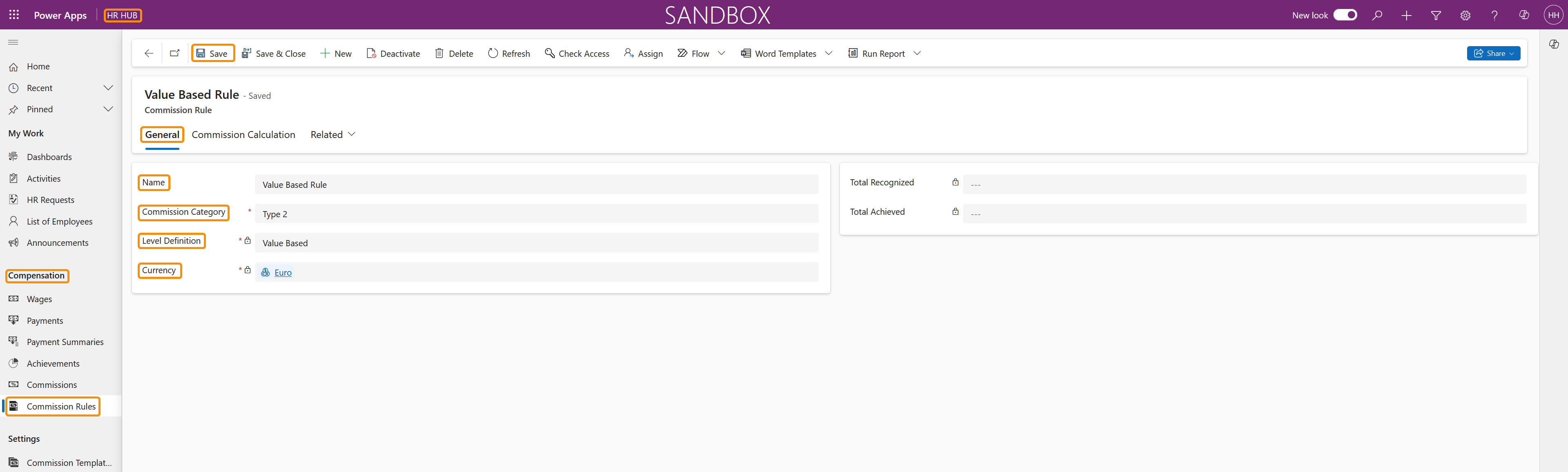
This tutorial will show you how to create Commission Templates for Value Based Commission Rules.
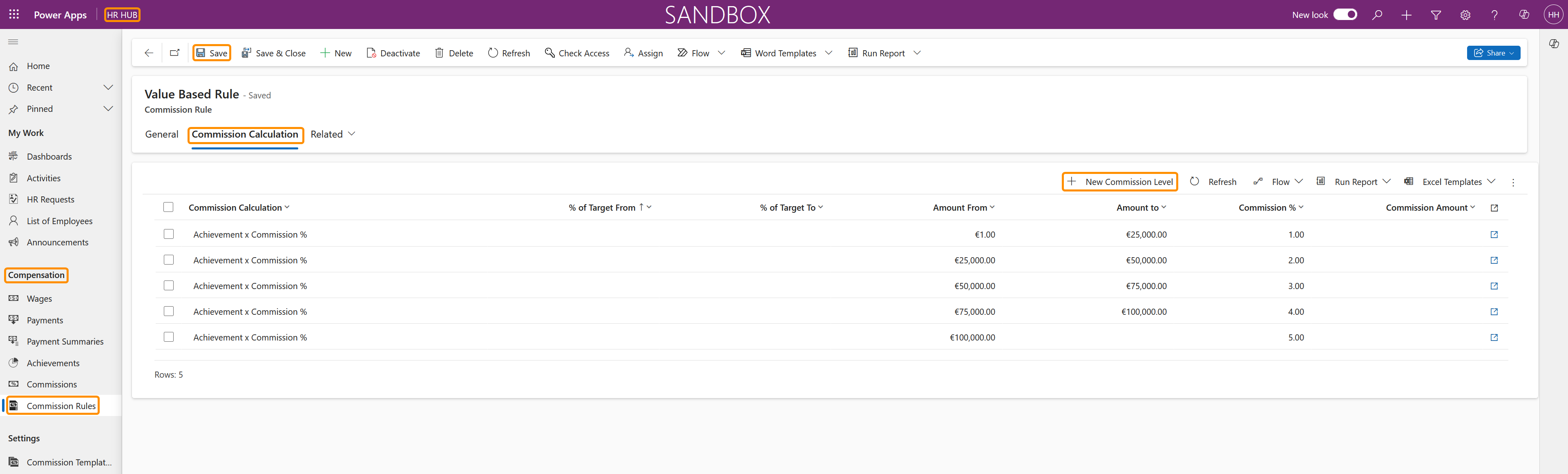
In Value Based Rules, the percentage of the commission to be received by the employee is based on a certain amount of sales. For this type of commission, the HR Manager should create different types of calculations based on a progression of value generated by the employee. e.g. if the employee generate in sales an amount from $100 to $1000, then he/she should receive 3% of this value, and the percentage can increase if the second level is reached, e.g. $1001 to $3000, the percentage is 5%.
You can find the setup tutorial for Target Based Commission Rules here.