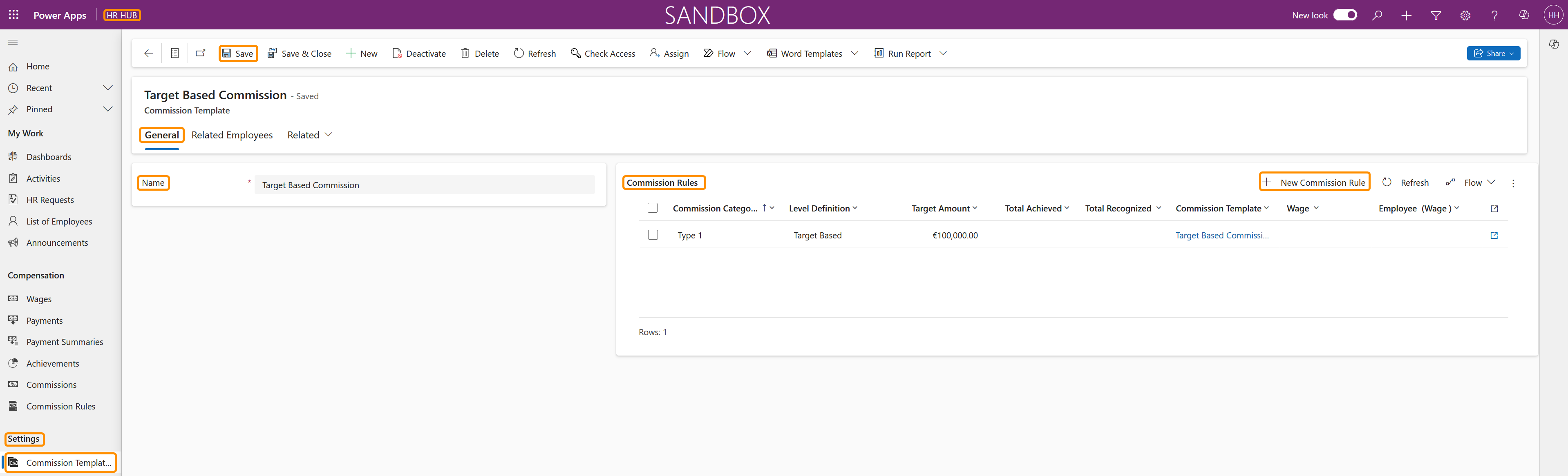
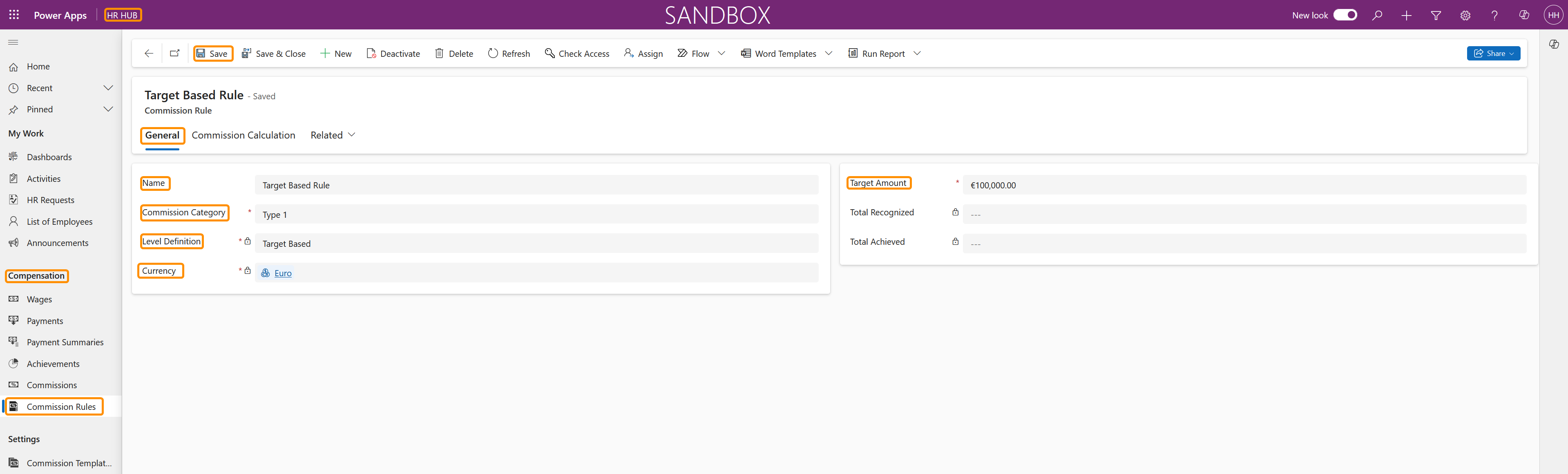
This tutorial demonstrates how to create Commission Templates that can be assigned to an employee, using a 'Commission' Wage Type record. Commission Rules are applied to a Commission Template, then, to an employee Wage using the 'Commission' Wage Type. The system will calculate the exact amount that an employee is entitled to, based on a sales Achievement.
This tutorial will show you how to create Commission Templates for Target Based Commission Rules.
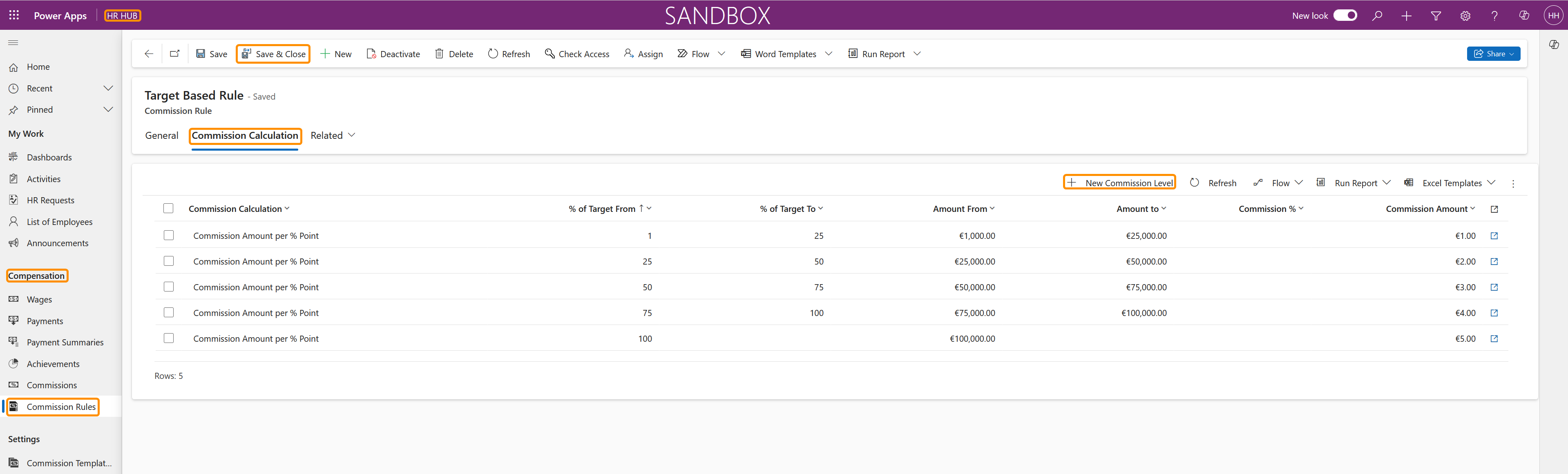
In Target Based Rules, a target value is pre-determined, and from each percentage of the target, the employee receives an amount. For this type of commission calculation, the HR Manager sets a Target value, and when the employee reaches a certain percentage of this target, he/she receives a defined amount.
For example, if the Target is €100,000, then for the first 1-50% the employee may be awarded 1% of the value earned, for 50-99% the employee may be awarded 2% of the value earned, and for 100% or more the employee may be awarded 3% of the value earned.
You can find the setup tutorial for Value Based Commission Rules here.