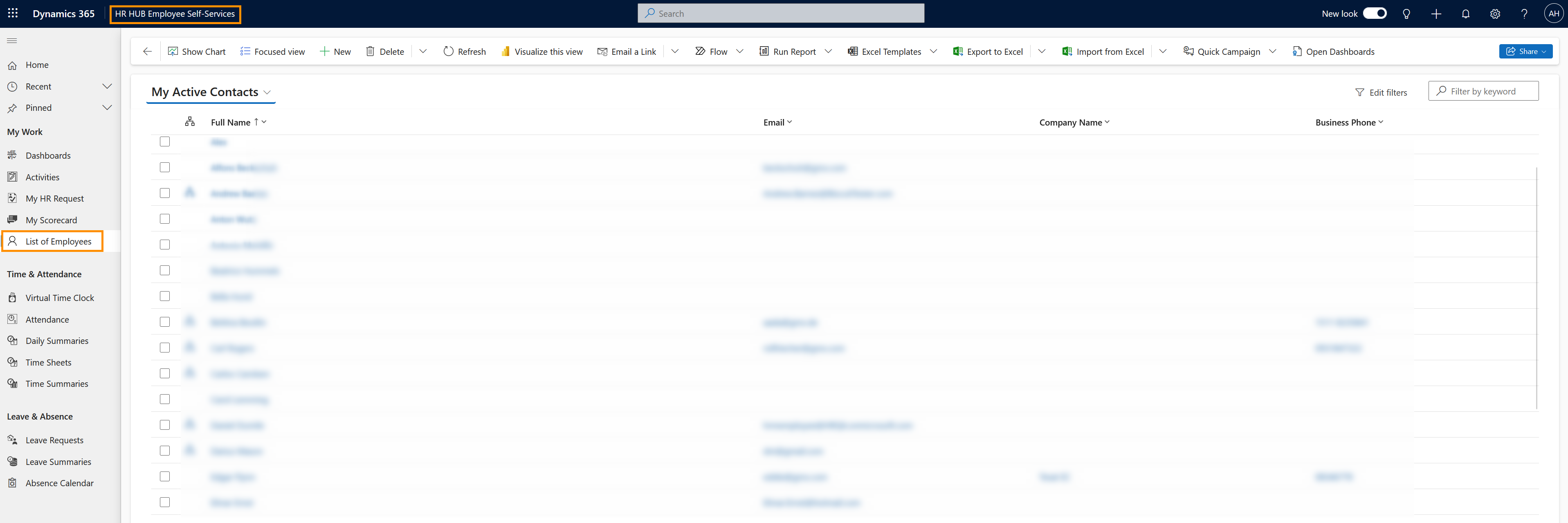
The Employee Directory contains contact information on all employees inside your company. You can find professional email addresses and business phone numbers of all your colleagues there.
View the Employee Directory
Objective
Prerequisites
- You are an Employee and have a valid license assigned
- Your access to HR for Dynamics has been configured by your company
Click Through
- Start in HR HUB Employee Self-Services
- Under My Work, navigate to List of Employees
- Here, a list of all the employees in your organization is displayed and you can view their contact information.
Result
This is what the Employee Directory looks like: