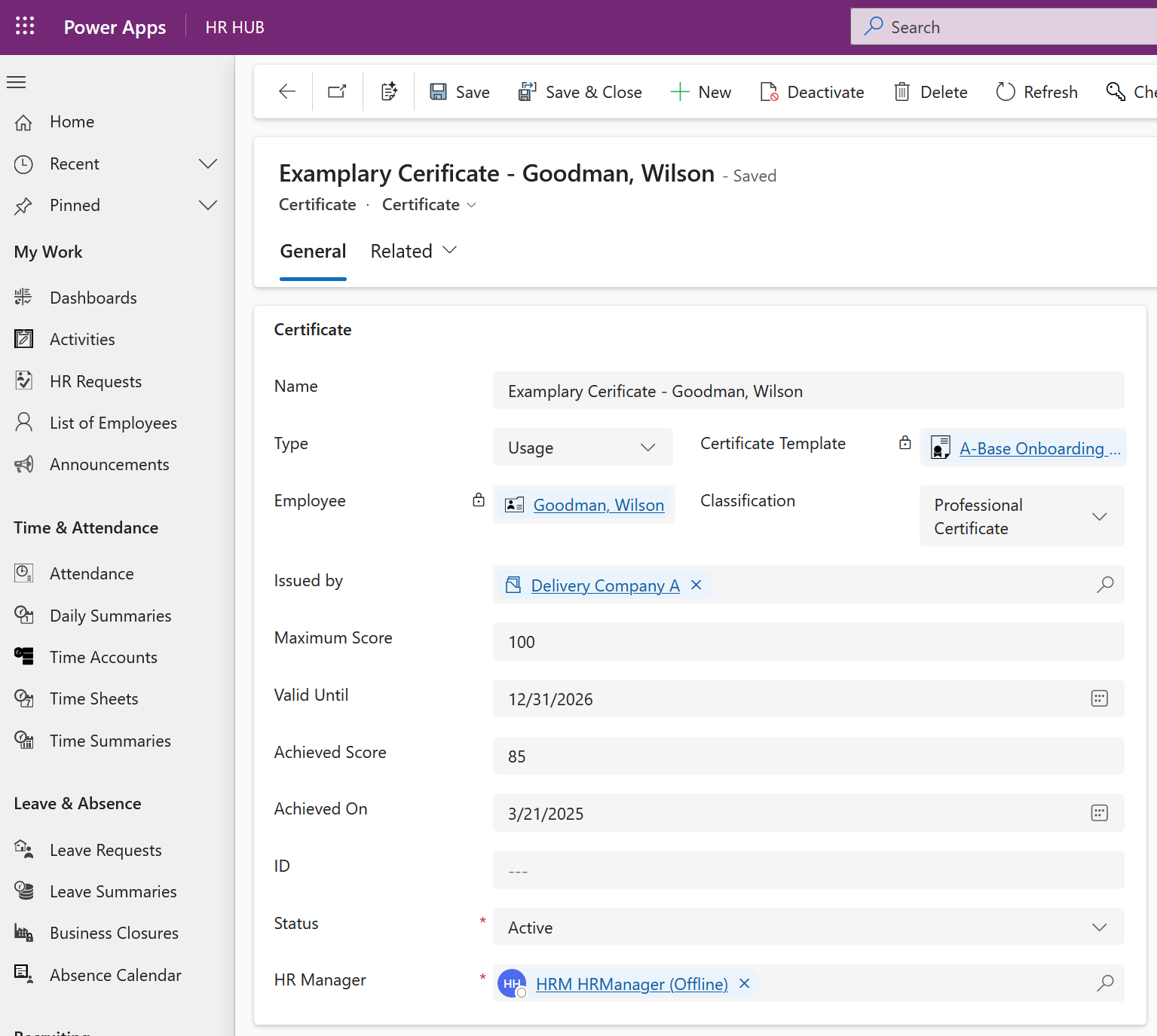
Where there is a Certificate requirement for an individual employee, HR Managers and Trainers are able to Rollout Certificates to the individual without the use of the Rollout Centers.
Direct Rollout of Certificates
Objective
Click Through
- Start in HR HUB
- Under Training & eLearning navigate to Certificates
- +New
- Ensure that the Certificate form is used
- Enter a relevant Name for the record
- Type should be set to 'Usage' required for Rollout
- Select the Certificate Template
- Identify and select the Employee required for the Certificate
- If required, identify and enter Issuer in Issued By
- Enter a Maximum Score
- If required, enter a Valid Until date
- If required, enter a Certificate ID
- Save & Close
Result